What's included
- Excel workbook, eight tabs: Start Here, Setup, Facility Inputs, Unit Detail, System Rollup, Executive Dashboard, Benchmark (NSI), Glossary & Sources
- Facility Inputs: one row per facility for up to five sites — average headcount, 12-month departures, budgeted FTE, open FTE and average days to fill
- System Rollup: system turnover and days to fill weighted by headcount, vacancy rate weighted by budgeted FTE, and the unweighted mean of facility turnover rates beside it for comparison
- Executive Dashboard: each facility's turnover, vacancy and days to fill, its turnover set against the cited NSI national figure, and a count of facilities included and excluded
- Benchmark (NSI): the cited NSI national turnover, vacancy and time-to-fill figures, edition-stamped and kept out of the system totals
- A facility missing headcount or departures is 'Not entered' and excluded from the system totals — never counted as zero
- Unit Detail: optional unit-level turnover entry, kept separate from the rollup
Multi-Facility & Reporting
Multi-Facility Nurse Turnover & Vacancy Rollup Dashboard
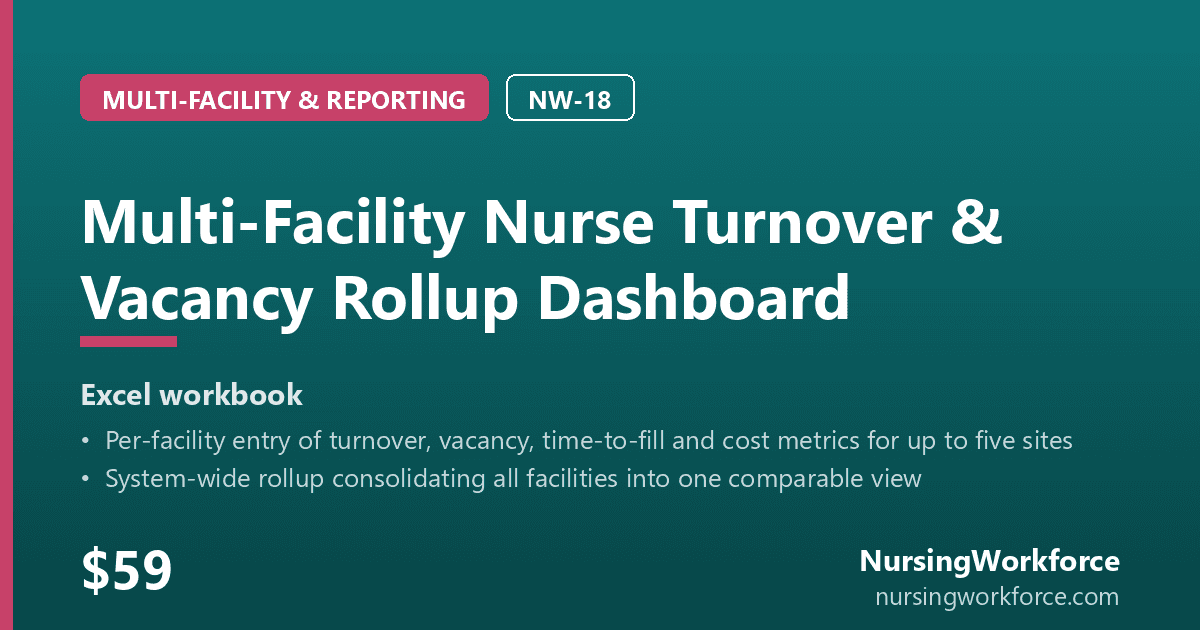
The Multi-Facility Nurse Turnover & Vacancy Rollup Dashboard consolidates turnover, vacancy and time-to-fill across up to five facilities into one system view. On 2. Facility Inputs you enter one row per facility — average nursing headcount, 12-month departures, budgeted and open FTE, and average days to fill — and the workbook computes each facility's turnover and vacancy rate. 4. System Rollup weights the system figures properly — total departures over total headcount, not the average of the facility rates — and shows the unweighted mean beside it, labeled, so you can see the difference. 5. Executive Dashboard lists each facility with its turnover set against the cited NSI national figure held on the Benchmark (NSI) tab, edition-stamped. A facility missing headcount or departures is reported "Not entered" and excluded from both system totals, never counted as zero. 3. Unit Detail offers optional unit-level entry that deliberately does not feed the rollup. Every figure is computed from what you enter, plus the cited NSI comparator.
No subscription. Download once, use forever.
Instant digital download · all sales final. Refund policy
What's included
- Excel workbook, eight tabs: Start Here, Setup, Facility Inputs, Unit Detail, System Rollup, Executive Dashboard, Benchmark (NSI), Glossary & Sources
- Facility Inputs: one row per facility for up to five sites — average headcount, 12-month departures, budgeted FTE, open FTE and average days to fill
- System Rollup: system turnover and days to fill weighted by headcount, vacancy rate weighted by budgeted FTE, and the unweighted mean of facility turnover rates beside it for comparison
- Executive Dashboard: each facility's turnover, vacancy and days to fill, its turnover set against the cited NSI national figure, and a count of facilities included and excluded
- Benchmark (NSI): the cited NSI national turnover, vacancy and time-to-fill figures, edition-stamped and kept out of the system totals
- A facility missing headcount or departures is 'Not entered' and excluded from the system totals — never counted as zero
- Unit Detail: optional unit-level turnover entry, kept separate from the rollup
Want this automatically? NursingWorkforce tracks turnover, vacancies, and retention for you.
Live BLS nurse-wage benchmarking, turnover dashboards, and vacancy forecasting — no spreadsheet maintenance required.
Join the Waitlist →More templates

CFO-Ready Nursing Workforce Summary Report Template
Your turnover, vacancy and cost figures in, a one-page CFO summary out — the Workforce Summary Report, with cited NSI national context and the module edition…

RN Turnover Tracker
Track nurse departures by unit, see your rolling 12-month turnover, and benchmark it against the cited NSI figure.
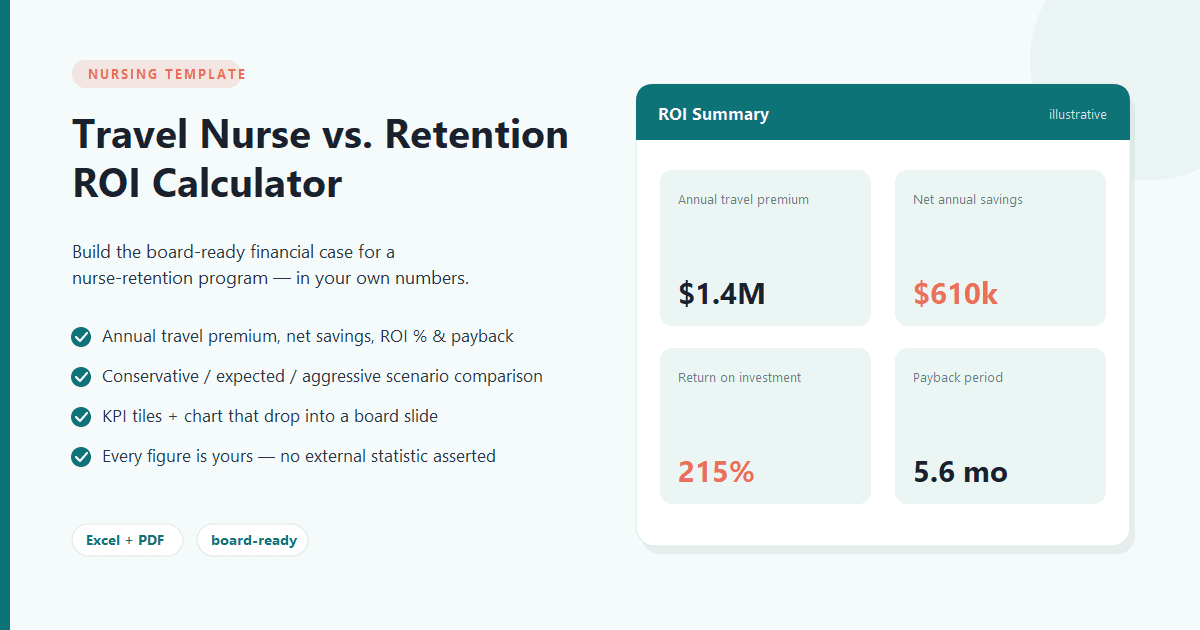
Travel Nurse Cost vs. Staff Retention ROI Calculator
Build the board-ready financial case for a nurse-retention program — in your own numbers.
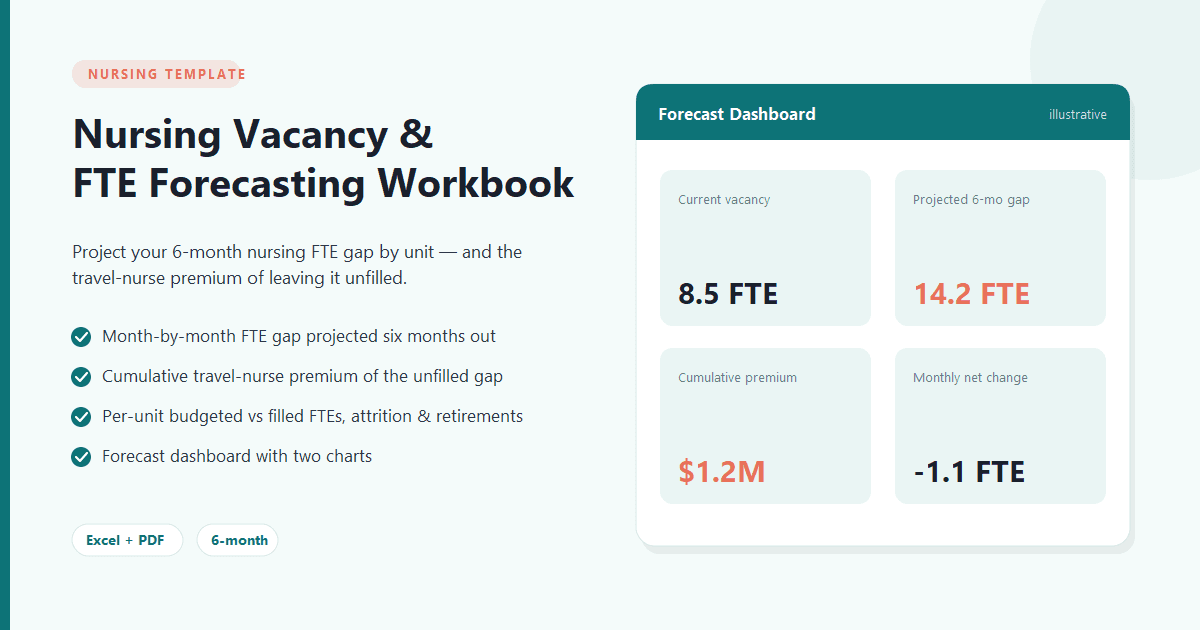
Nursing Vacancy & FTE Forecasting Workbook
Project your 6-month nursing FTE gap by unit — and the travel-nurse premium cost of leaving it unfilled.